Most teams do not have a lead volume problem. They have a lead handling problem.
Inbound forms, demo requests, email replies, and referral intros all arrive in different places. Someone has to read them, figure out intent, check fit, assign urgency, and push the right next step into the CRM. When that work slips, good leads cool down and weak leads steal time from the team.
That is exactly where an AI lead qualification workflow helps. Instead of replacing sales judgment, it handles the first layer of sorting, enrichment, and routing so humans spend more time on the leads that actually deserve attention.
What This Use Case Does
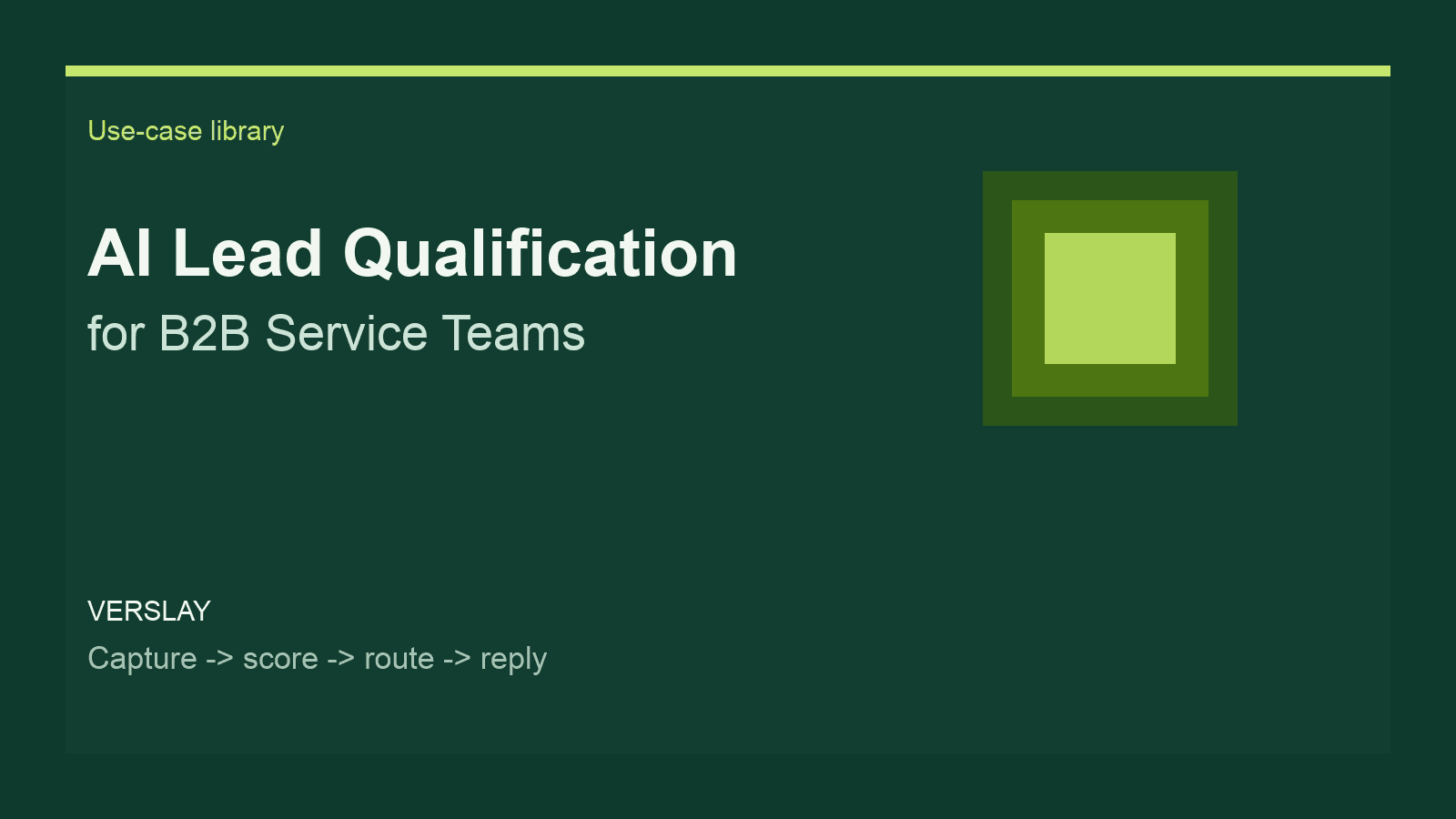
An AI lead qualification workflow turns scattered inbound activity into one structured triage system.
At a high level, the workflow:
- captures inbound leads from forms, email, or connected systems
- extracts key details like company, role, use case, urgency, and budget signals
- scores the lead against your qualification rules
- routes the lead to the right owner or next step
- drafts the follow-up so your team can move fast
For a B2B service team, that usually means one of four outcomes:
- Book sales follow-up quickly for strong-fit leads.
- Send a nurture reply when timing is not right yet.
- Route the request internally when it is support, hiring, or partnership traffic.
- Flag low-fit or incomplete submissions for lightweight review instead of immediate rep time.
Why Teams Struggle Without It
Lead qualification sounds simple until volume rises.
The problems are usually operational:
- the same lead data lives across forms, inboxes, and spreadsheets
- reps apply different qualification standards
- fast follow-up depends on whoever happens to be online
- weak leads still consume calendar time
- strong leads wait too long for a relevant response
This is why lead handling remains one of the most common automation categories across workflow platforms. The demand is not for another dashboard. It is for faster, cleaner decisions at the top of the funnel.
A Simple AI Lead Qualification Workflow
Here is a practical structure that works well for B2B service businesses.
Step 1: Capture the Lead
Start with every place an inbound lead can appear:
- website contact form
- demo request form
- Gmail inbox
- LinkedIn lead form exports
- referral submission form
The goal is not to build a perfect data model on day one. The goal is to make sure all inbound interest lands in one workflow.
Step 2: Extract Useful Signals
The AI layer reads the submission and pulls out the details your team normally scans for manually:
- company name
- industry
- role or seniority
- problem statement
- requested service
- timing clues
- budget or team size hints
This alone removes a large amount of repetitive reading from the team.
Step 3: Score for Fit
Next, apply clear rules. For example:
- Is the company in a target segment?
- Does the request match a service you actually offer?
- Is there urgency or active buying intent?
- Does the lead appear to have enough budget or scope?
The point is not to pretend the model knows your business better than you do. The point is to make your qualification rules consistent.
Step 4: Route the Lead
Once scored, the lead can move automatically:
- high-fit leads go to the sales owner
- mid-fit leads go into nurture or manual review
- non-sales requests route to support, partnerships, or recruiting
This is where automation starts saving real time, because your team stops spending the same five minutes deciding where each lead belongs.
Step 5: Draft the Next Message
The final step is usually the most visible one. The system drafts the reply:
- a short qualification follow-up
- a meeting invitation
- a request for missing details
- a polite decline or redirect
Your team can review and send, or in some cases fully automate the response path for clearly defined cases.
Where Verslay Fits
Verslay is built for workflows like this because the qualification step is rarely just one prompt.
It usually needs multiple actions working together:
- read the inbound message
- reference your business context
- check the lead data
- decide the next step
- write the response
- update the connected system
That is why this works better as an orchestrated use case than as a one-off AI chat. You want a repeatable workflow, not a clever draft that still leaves all the operational work on your team.
If you are evaluating how these workflows are structured, the use-case library is the right place to start. If your routing depends on connected inboxes, calendars, or CRMs, the integrations overview shows how the system fits into the rest of your stack.
What a Good Setup Looks Like
The best AI qualification systems stay focused. They do not try to solve your entire sales process in one move.
Start with:
- one inbound channel
- one qualification rubric
- one routing rule set
- one follow-up pattern
Then expand.
For example, a practical first version might qualify demo requests from the website, score them against service fit, route strong leads to sales, and draft a response inside the inbox or CRM. That alone can cut a large amount of admin friction from the week.
What to Watch Out For
There are a few mistakes teams make early:
- automating before the qualification rules are clear
- over-scoring weak signals as if they were facts
- sending fully automated replies without reviewing tone
- trying to cover every edge case before shipping the first version
A better approach is to let the workflow handle the repetitive structure and keep human review on the decisions that matter most.
The Payoff
When this use case is working well, the gains are operational:
- faster first response
- cleaner routing
- more consistent qualification
- fewer wasted sales calls
- better visibility into what inbound demand actually looks like
That is what makes AI lead qualification useful for B2B service teams. It is not about adding novelty to the top of funnel. It is about making sure real opportunities get the right attention at the right time.
If you want to stack this with adjacent workflows, the next logical layer is often inbound routing plus follow-up drafting, then reporting, then broader sales orchestration. You can also use the same pattern to support industry-specific pages and comparison content as your library grows.
For teams pricing or packaging a broader automation rollout, the pricing page gives the clearest view of how the platform is structured.